MinuFlow for educators
A clearer clock for a shared room.
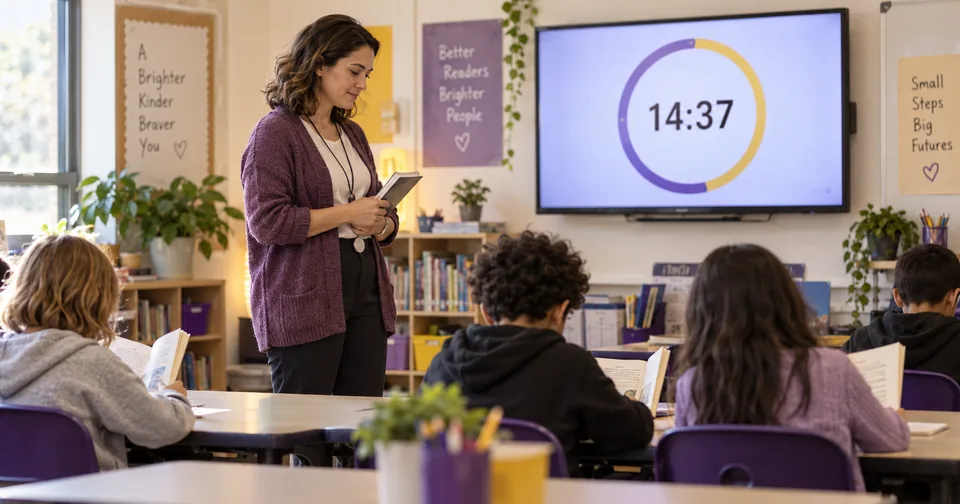
Give a class a visible start, a simple work interval, and a gentler transition. MinuFlow’s Classroom view keeps the shared display focused on the time.
A shared-screen aid for teachers; no student accounts are needed for the display.
A simple classroom rhythm
Make the time visible, not the technology.
- 01
Show the time
Open Classroom view on a shared screen and use its large, high-contrast Clock while learners settle into the room.
- 02
Set one work interval
Use a countdown or a focus rhythm for independent reading, writing, or a short activity. The timer gives everyone the same visible boundary.
- 03
Transition gently
When the block ends, pause and choose the next activity. A simple shared cue can help the room move together.
Clear purpose, clear limits
Useful in the room. Private to the room.
Classroom view removes prompts and emphasizes a readable clock or timer. It works as a teacher-operated shared display rather than a student platform.
Try the shared view
Put one calm clock on the screen.
Open Classroom view and choose Clock or Focus for the moment ahead.