Quick answer
A visual timer turns an abstract duration into something you can see changing. It may make starting, pacing, and transitions easier because you do not have to keep calculating how much time remains. Use a calm display, choose a realistic interval, and treat the timer as information—not pressure.
“Work for twenty minutes” can be difficult to feel. The number is clear, but the shape of the time is not. A visual timer gives that duration a visible boundary: a shrinking ring, bar, block, or large countdown.
That difference matters when estimating time, noticing transitions, or holding a deadline in mind requires extra effort. A visual timer does not create motivation by itself, and it is not a treatment. It is an external cue that can make time easier to inspect.
What makes a timer visual?
A standard clock tells you the current time. A visual timer shows the relationship between the beginning, the present moment, and the end.
Useful forms include:
- A large countdown that can be read from across the room.
- A progress ring or bar that gradually reduces.
- A color field that changes in a predictable way.
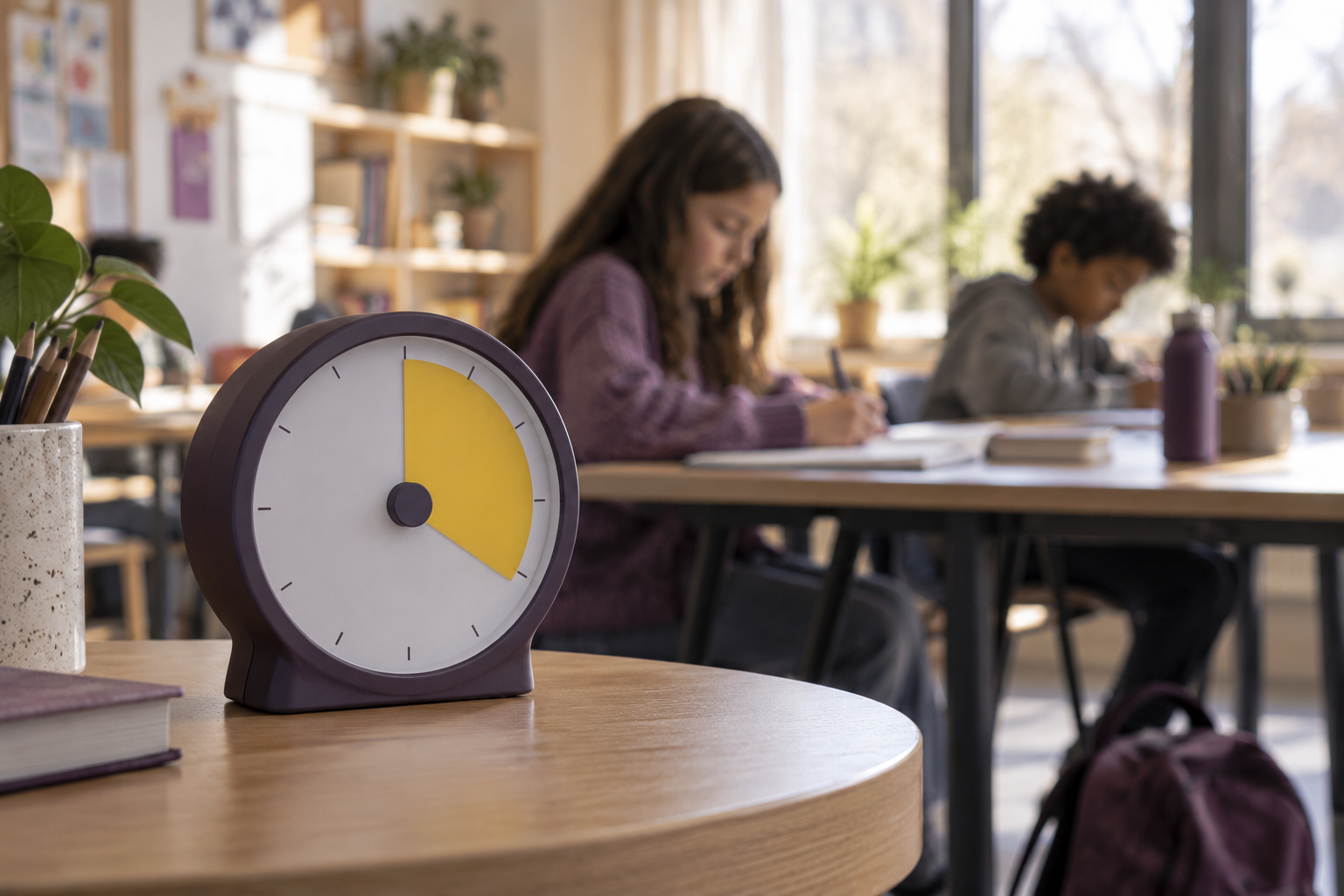
- A physical dial with a visible remaining segment.
The best form is the one you can understand quickly without repeatedly checking or decoding it.
When seeing time may help
Starting a task
A visible ten-minute boundary can make “begin now” feel more specific than “work until this is finished.” The task still matters, but the first commitment becomes knowable.
Moving between activities
A timer can make an upcoming transition visible before an alarm suddenly ends the current activity. This can be useful for a study period, classroom station, meeting, or household routine.
Protecting a break
Breaks can disappear into scrolling or feel too short to begin. A visible boundary shows both that rest is allowed and that a return point exists.
Keeping a shared room oriented
A large, quiet timer can help a group understand how much time remains without repeated verbal reminders. The display should support the room, not dominate it.
How to use a visual timer without adding pressure
- Name the purpose. Decide what the timer is protecting: starting, working, resting, or transitioning.
- Choose an honest duration. Use a smaller interval when energy or clarity is low.
- Place it in your natural line of sight. You should not need to search for it, but it should not cover the work.
- Use a gentle end cue. The signal should be noticeable without creating alarm.
- Decide what happens next. Continue, pause, or leave a return note instead of letting the alert make the decision for you.
Accessibility and comfort matter
A visual timer should not rely on color alone. Pair color with a number, label, shape, or progress change. Avoid rapid flashing and excessive animation. Keep contrast readable and allow the display to be enlarged.
If watching the countdown increases anxiety, move it farther away, reduce motion, use a less precise progress display, or return to a simple end alert. A tool is only useful when it supports the person using it.
Try one visible boundary
Open MinuFlow’s Focus space, choose Clock, Countdown, or a Focus rhythm, and make the timer large enough to read comfortably. Start with one task and one interval. You can compare different structures in our guide to timeboxing and Pomodoro.
Frequently asked questions
Are visual timers only for children?
No. Adults use visual timers for focused work, meetings, cooking, exercise, presentations, and transitions. The design can be calm and appropriate for any environment.
Do visual timers help ADHD?
Some people with ADHD find external time cues useful, and research has examined time-related interventions. Individual needs vary, and a timer does not diagnose or treat ADHD. Speak with a qualified professional when symptoms are persistent or disruptive.
Should the timer always be visible?
No. Keep it visible when the changing boundary is helpful. Hide or soften it when watching the countdown becomes distracting.
Last reviewed for source accuracy: October 2026. This article provides general education, not medical advice.