Why every alert can feel urgent
Notifications are useful. They tell us when a customer needs help, a coworker is blocked, or a meeting has changed. The difficulty begins when every alert asks for the same immediate reaction.
Keep essential communication available while handling routine alerts at deliberate times.
Separate urgent messages from routine messages
Start by asking a practical question: Which messages really cannot wait until the end of one focus session?
For many people, the answer is a specific phone line, team channel, or person. Email updates, project comments, and general chat may still matter, but they may not need to appear the moment they arrive.
Try three simple groups:
- Urgent now: a clearly agreed channel that stays on.
- Respond soon: messages you check at the end of the current focus window.
- Information only: updates you review once or twice during the day.
If your role requires constant availability, coordinate this with your team rather than silently changing expectations. Even a 20-minute protected window can be useful when a full quiet hour is unrealistic.
Use a focus window you can honestly protect
A focus window should fit the work in front of you. A short, uncertain task may need only 15 or 25 minutes. Work that already has momentum may suit a longer period.
Choose one visible outcome before the window begins. For example:
Review the introduction and leave comments on the first two sections.
That is easier to return to than a broad intention such as “work on the report.” If you are unsure how long to choose, compare 25/5 sessions with 52/17 and 90/20 rhythms and start with the lightest option that fits today.
If beginning the task is the harder part, adapt the same small-start sequence in the 20-minute study reset: clear one space, name one outcome, and begin with the easiest useful action.
Leave a return cue before you switch
Sometimes an interruption really does need an answer. Before opening the message, take ten seconds to record where you are.
Use a note like:
- “Next: verify the total in row 18.”
- “Next: rewrite the second sentence under Pricing.”
- “Next: reply to Jordan, then reopen the customer brief.”
The return cue has one job: reduce the number of decisions you face when you come back.
A practical interruption checklist
When a notification appears:
- Pause: Is this from the urgent channel?
- Choose: Handle it now or leave it for the next message check.
- Mark: If you switch, write one sentence describing the next action in your current task.
- Return: Close the interrupting window and follow the note before checking anything else.
For example, imagine you are preparing a client proposal when a team message appears. It is important but not urgent. You finish the paragraph, add “Next: confirm delivery date,” and check the message at the end of your 25-minute session. If the message is urgent, you use the same note before responding and return to a specific action instead of trying to reconstruct the whole task.
What the research can tell us
A controlled study found that receiving phone notifications disrupted performance on an attention-demanding task even when participants did not interact with the phone. In a later one-day field experiment with 247 participants, the researchers reported better self-rated performance and lower self-reported strain when notification-driven interruptions were reduced. The reported performance effect varied with fear of missing out and telepressure, the pressure to respond quickly.
The field experiment relied on self-reported outcomes and included both workers and students; only 110 participants were employees. Its findings should not be treated as a universal result for every role or workplace.
These studies do not prove that one notification setup works for every person, team, or job. They support testing a manageable reduction in interruptions while preserving the communication your role actually requires.
Try one small change
For a break that makes returning easier, read 5 Screen-Free Breaks and a Simple Return Cue.
Choose one reachable channel, silence one routine source of alerts, and set a single focus window. Before you begin, write the outcome you want to reach. If you get interrupted, leave a return cue.
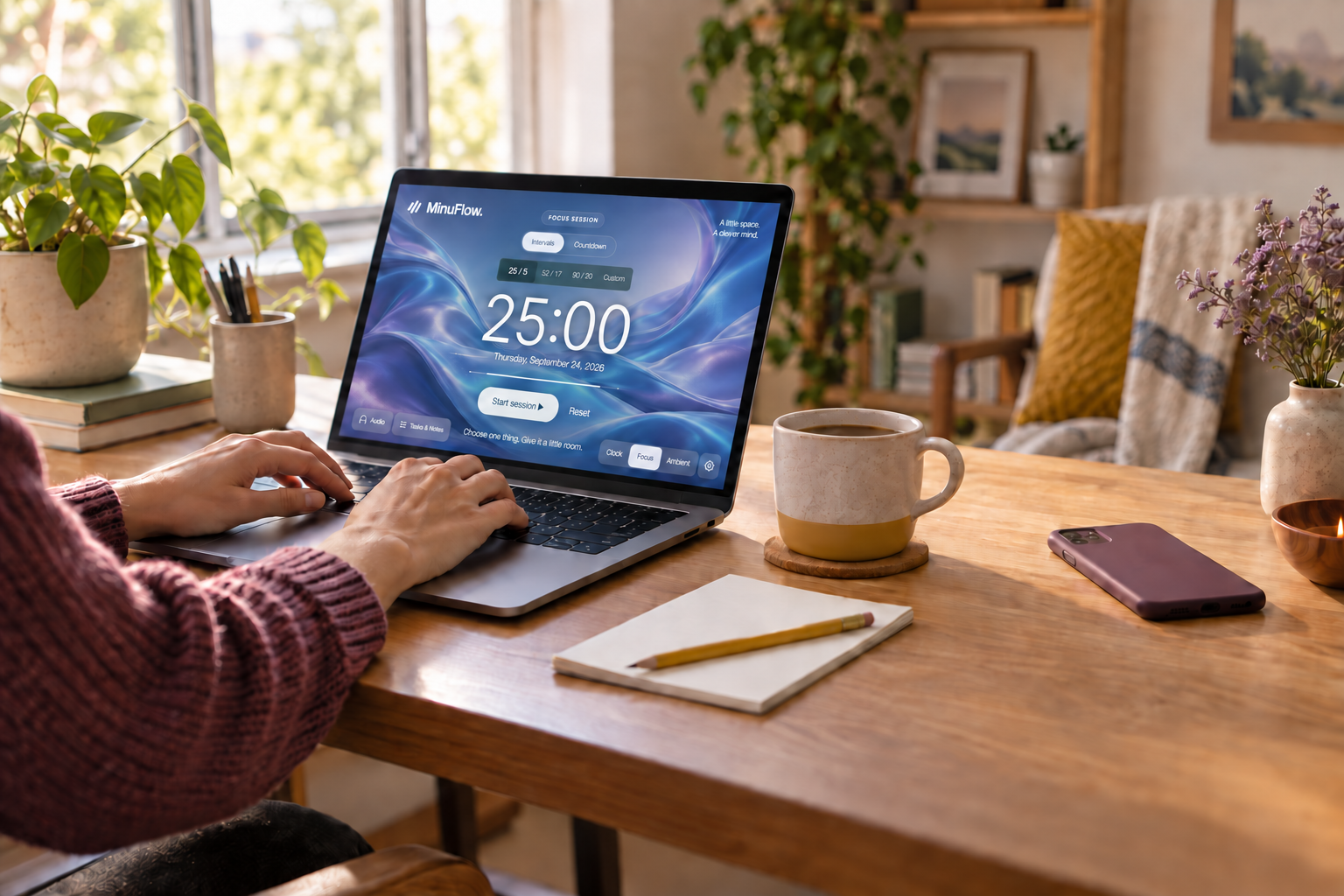
You can open the MinuFlow focus space and test the plan for one session. Keep the part that made returning easier; adjust the rest.
Sources and notes
- Stothart, Mitchum, and Yehnert, “The attentional cost of receiving a cell phone notification,” Journal of Experimental Psychology: Human Perception and Performance (2015): PubMed record.
- Ohly and Bastin, “Effects of task interruptions caused by notifications from communication applications on strain and performance,” Journal of Occupational Health (2023): full research article.
- Editorial boundary: the practical routine above is a low-risk experiment, not a productivity promise. It does not advise employees to ignore workplace communication rules or safety-critical alerts.