Clock Free
A large, easy-to-read time and date for your desk or the front of a room.
MinuFlow features
A Pomodoro timer, a countdown, calm sounds and a short task list, all on one quiet screen. Most of it is free, with no account and no ads.
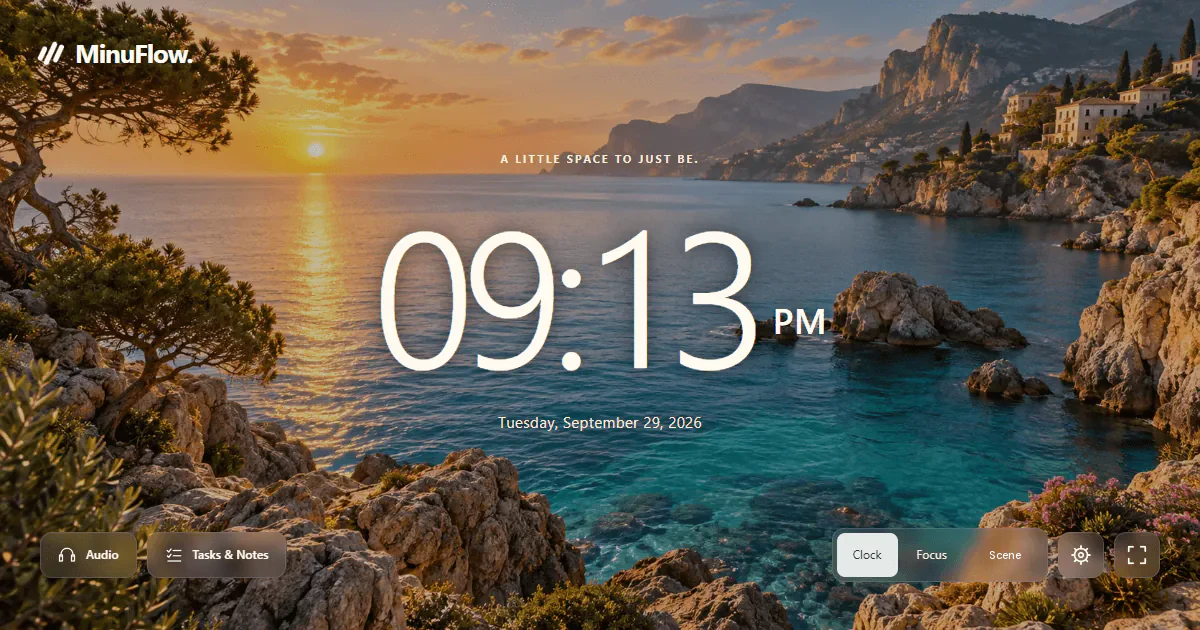
Each mode runs on the same screen. Switch from the dock at the bottom, and a running timer keeps its time.
A large, easy-to-read time and date for your desk or the front of a room.
One clear block from 1 to 999 minutes. Start with a 5-minute, 10-minute, 25-minute, 30-minute or 1-hour timer.
Count up when you do not know how long a task will take.
Work, then rest, then repeat. Short rhythms add a longer break after four sessions.
Choose one soft sound and a background that lets the timer stay easy to read.






18 free backgrounds, 41 with Premium. Dim or blur any of them.
No timer at all. Just a scene, one soft sound and a short quote, for the moments between work.
Keep the next thing you will actually do beside the timer, then see the effort add up.
Break a task into smaller steps, add a time estimate, and see how much is left.
The screen shows what you are working on, so you know why the timer is running.
Keep formatted notes beside your list: where you stopped, what to check, or an idea for later.
Daily goal and streak · Free See today's focus minutes, your streak and the last seven days. Only sessions you start and finish count.
Quotes · Free All 26 short quotes are free. Show or hide them whenever you like.
Premium adds 30-day, 90-day, 365-day and all-time history with CSV export.
Open Classroom view on the computer connected to your projector or smartboard. Choose Clock, Countdown or Focus, and MinuFlow shows large, high-contrast numbers with nothing else on the screen. Students don't need accounts.
In the free version, your tasks, notes and settings are saved in the browser on your device. With a Premium subscription, you can turn on sync so they follow you to any device where you sign in. You can also download a backup file at any time. How your data works.
The clock, countdown, stopwatch, Pomodoro, floating timer, desktop reminders, tasks, notes, 7-day stats, 18 backgrounds, 7 sounds, all 26 quotes and Classroom view are free. There are no ads and you don't need an account.
23 more scenes and 12 more sounds, a three-sound mixer, your own image or video backgrounds, more clock and timer styles, five more end chimes, automatic start of the next interval, the full playlist library, longer stats with CSV export, and sync across devices. Premium costs $4.99 a month or $39.99 a year.
Yes. A new account can try Premium free for 7 days. No card is needed, and the trial never turns into a paid plan on its own. Sync across devices starts with a paid plan.
No. MinuFlow runs in any modern browser on a computer, Chromebook, tablet or phone.
Yes. Open minuflow.com in your phone's browser. The layout changes to fit smaller screens.
Open the timer, pick a rhythm, and press start.